

In your restaurant
Mobile order-takingTake the order from the server's phone.KDS and kitchenThe kitchen sees everything, in order and on time.Table editorDraw your floor plan as it really is.Payments and growth
Get paid and split checksSplit the check without fighting the calculator.WhatsApp reservationsReservations arrive where guests already message you.Promotions and loyaltyReward guests who come back.Delivery integrationsUber, Rappi, and DiDi in the same POS.Digital menu
Digital menu for guests
Your guests browse the menu, order, and pay from their table.
See demoTake payment and split checks
Split checks without fighting the calculator.
Split equally, by seat, or item by item. Everyone pays their share and you close in seconds, with no table-side arguments.
Accept card, cash and transfer. First month free.
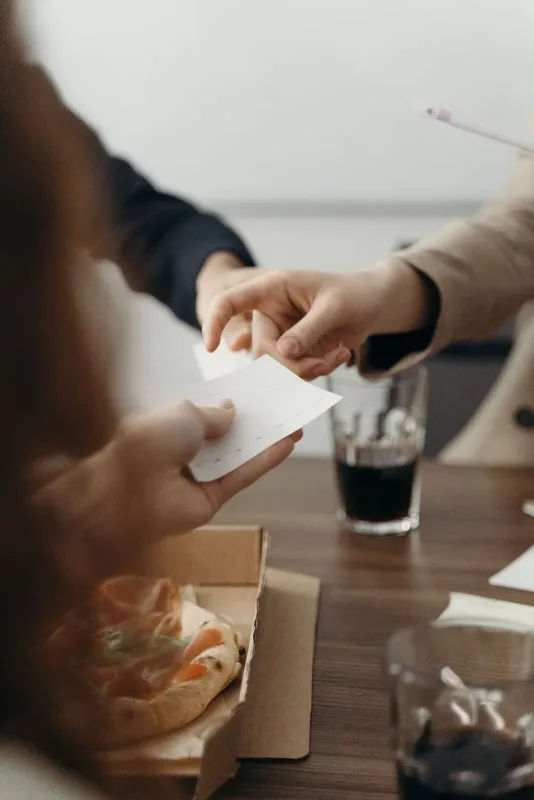
Split check is the feature that divides one table total among multiple guests. Equal split, by seat, or item by item: Oden does the math, moves items where you choose, and lets you collect each part separately.
Three ways to split, zero hassle.
Open the table check
Select the order you are about to close. Oden already has everything they ordered, ready to divide among guests.
Split by seat or by item
Equal parts for shared meals, by seat for individual orders, or move dishes one by one between checks. However the table wants to pay.
Collect each part separately
One guest pays by card, another in cash, another by bank transfer. And each person can get their invoice if requested, with no re-entry.
For an 8-person office lunch
A group of eight colleagues arrives and, at payment time, each person wants their own share while two guests pay together. Instead of doing napkin math, split by seat, move two shared dishes into one check, and collect each payment with its own method. The table leaves happy and quickly.
“Splitting the bill among friends used to be chaos. Now we split in seconds and nobody argues.”
- El Mero Mero
Table of 8 - closeout
- Checks generated6
- Payment methods3
- Invoices4
- Time to close-65%
Frequently asked questions
Can I split equally and also by item?
Yes. Choose equal split, by seat, or by item, and combine methods: shared items split evenly and individual items assigned per person.
Can I move a dish from one check to another?
Yes. Drag or assign each dish to the correct check, including a shared check in the middle of the table.
Can each person receive their own invoice?
Yes. Each split can generate its own invoice with that guest's tax details, at the moment of payment.
Can I charge one part to card and another in cash?
Absolutely. Each check can be paid with its own method: card, cash, or bank transfer.
Does it handle tip separately?
Yes. Add tip per check or on the total, depending on how guests prefer to pay.
Download it and try it yourself.
Sign in with the demo account, set up your dining room, and explore the whole app without registering. When you're ready, start with your own data.
Free for Android and iPhone.
Start free, sell the same day.
Free first month. Send your menu and start operating today, with no equipment or contracts.