

In your restaurant
Mobile order-takingTake the order from the server's phone.KDS and kitchenThe kitchen sees everything, in order and on time.Table editorDraw your floor plan as it really is.Payments and growth
Get paid and split checksSplit the check without fighting the calculator.WhatsApp reservationsReservations arrive where guests already message you.Promotions and loyaltyReward guests who come back.Delivery integrationsUber, Rappi, and DiDi in the same POS.Digital menu
Digital menu for guests
Your guests browse the menu, order, and pay from their table.
See demoKDS - Kitchen screen
Kitchen display system (KDS) for restaurants.
Tickets arrive in order with built-in timers. Your team cooks at the right pace and nothing gets left behind during peak hours.
Runs on any tablet. First month free.
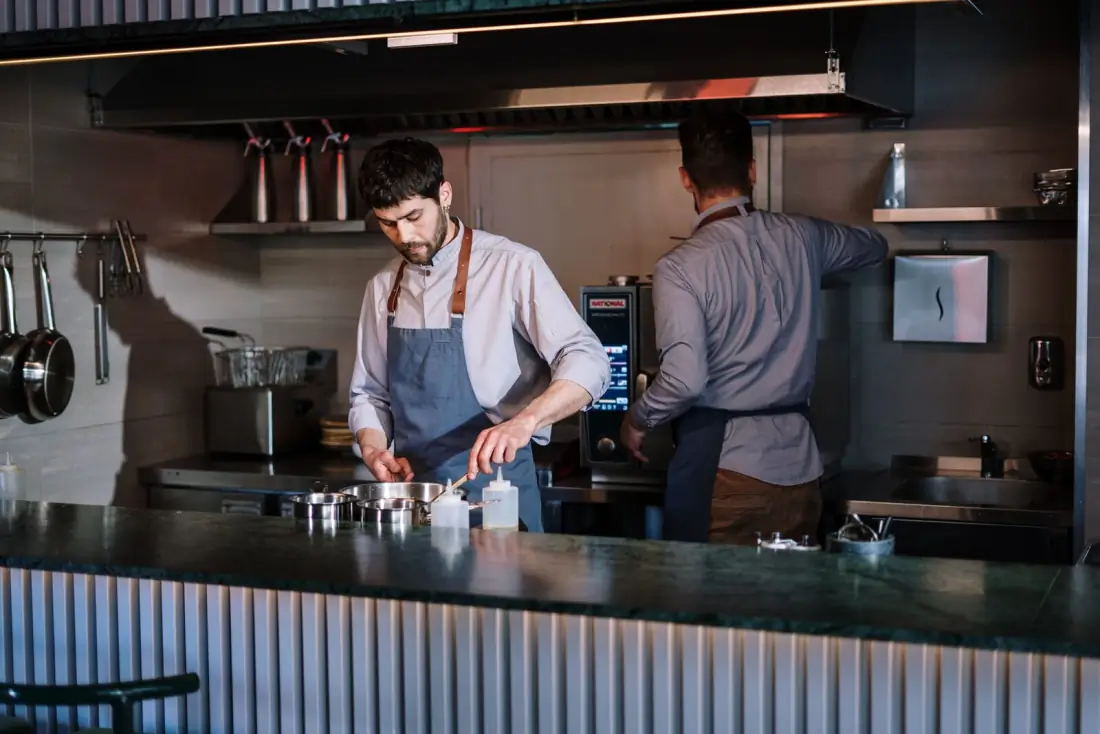
The KDS (Kitchen Display System) is your kitchen screen. It replaces paper tickets with a digital view where every ticket appears with its items, start time, and timer. When a dish is ready, mark it with one tap and the server is notified to pick it up hot.
From ticket to pass, no shouting.
Orders arrive automatically
As soon as the server sends from the waiter app, the ticket appears on the kitchen screen. No duplicate entry and no paper slips getting lost.
Each station sees only its items
Filter by kitchen or bar so each station sees only what it needs to prepare. Timers keep everything coordinated to reach the table together.
The timer drives the pace
Each ticket shows how long it has been waiting. If it goes past target time, it turns red and triggers an urgency alert so nothing falls behind.
Mark ready and notify server
One tap marks the dish as ready; the server gets notified to pick up and deliver before food cools on the pass.
For a kitchen that never stops on Saturday
Imagine a taqueria with a bar and hot line. At Saturday peak, 14 tickets come in within 20 minutes. With KDS, each station sees items in arrival order, timers run automatically, and the manager can instantly spot which table has waited too long.
“The kitchen sees orders in sequence and by time. We move faster and stopped losing tickets.”
- Sushi Tigers
Saturday - 9:40 p.m.
- Active tickets14
- Average time8:20 min
- In red (urgent)2
- Tables served vs. paper+38%
Frequently asked questions
Do I need a special screen for KDS?
No. KDS runs on any Android tablet or iPad in your kitchen. If you already have one, use it; if not, most affordable tablets work.
Can I separate kitchen and bar?
Yes. You can set up multiple stations (kitchen, bar, desserts) so each screen shows only the items assigned to that station.
What happens if internet goes down?
KDS keeps receiving tickets from devices on your local network and syncs when connectivity returns. Service does not stop at peak time.
Does it alert when a dish is delayed?
Yes. Every ticket has a timer; once it exceeds target time, it turns red with visual and sound urgency alerts.
Can I print tickets in addition to using the screen?
Yes. You can run screen only, printer only, or both. Oden connects to common thermal printers.
Download it and try it yourself.
Sign in with the demo account, set up your dining room, and explore the whole app without registering. When you're ready, start with your own data.
Free for Android and iPhone.
Start free, sell the same day.
Free first month. Send your menu and start operating today, with no equipment or contracts.