

In your restaurant
Mobile order-takingTake the order from the server's phone.KDS and kitchenThe kitchen sees everything, in order and on time.Table editorDraw your floor plan as it really is.Payments and growth
Get paid and split checksSplit the check without fighting the calculator.WhatsApp reservationsReservations arrive where guests already message you.Promotions and loyaltyReward guests who come back.Delivery integrationsUber, Rappi, and DiDi in the same POS.Digital menu
Digital menu for guests
Your guests browse the menu, order, and pay from their table.
See demoPromotions and loyalty
Reward returning guests and fill slow days.
Create promotions, discounts, and a loyalty program from the same POS. Discounts apply automatically at checkout and you can see which campaigns actually work.
All from the POS, no third-party apps. First month free.
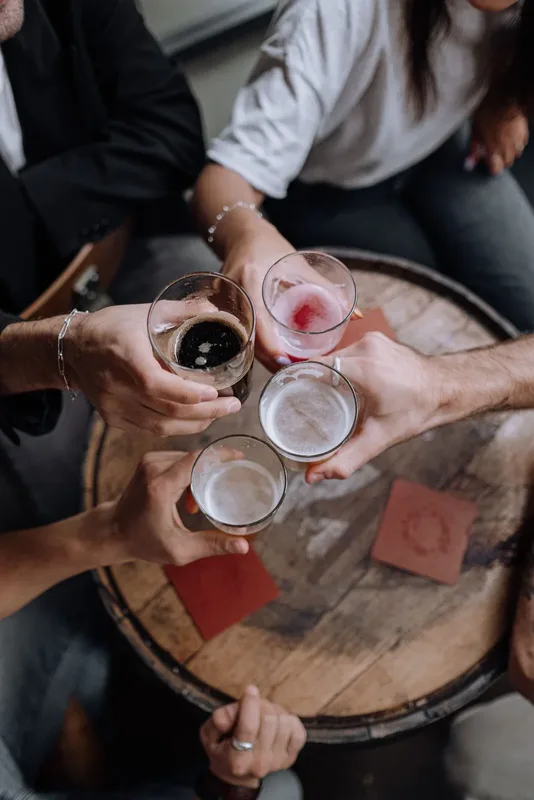
Promotions and Loyalty is the module for building offers and rewarding repeat customers without leaving Oden. Define the promo (2-for-1, percentage, fixed amount, combos), set days and times, and apply it automatically at checkout. Every redemption is tracked so you know which campaigns are worth repeating.
From idea to applied promo, no register friction.
Create the promotion
Choose the type: percentage, fixed amount, 2-for-1, or combo. Set validity, days, and times (for example, Tuesday from 3 to 6 p.m. to fill a slow afternoon).
Apply automatically at checkout
Active promotions appear as chips on the payment screen. The cashier selects one and the discount applies instantly, with no manual math.
Reward repeat customers
Track visits or spend from frequent guests and grant a benefit once they hit the goal. Repeat customers feel recognized.
Measure what works
Each promotion records usage and sales impact. Repeat what performs and stop what only gives away margin.
For a cafe that wants fuller afternoons
A cafe with packed mornings and slow afternoons. Launch a 2-for-1 drink promo from 4 to 6 p.m. and a visit stamp reward for regulars. Promotions apply automatically at checkout, the team avoids manual calculations, and month-end reports show which offer actually drove afternoon traffic.
“My customers collect stamps and come back for their free drink. They return more often, without paper cards.”
- Bornita
Month with active promos
- Promos applied420
- Afternoon (4-6 p.m.)+27%
- Returning customers+19%
- Manual calculations0
Frequently asked questions
What types of promotions can I create?
Percentage, fixed amount, 2-for-1, and combos. Each one with its own validity, days, and times, plus a minimum purchase if needed.
Does the cashier need to calculate discounts manually?
No. Active promos appear as chips at checkout; the cashier selects one and Oden applies it automatically, with no hand calculations.
How does loyalty work?
Track each frequent customer's visits or spend and grant a reward once they hit the target. Everything is recorded per customer.
Can I see which promotion performed best?
Yes. Each promotion tracks usage count and sales impact in a top-performers report, so you can repeat the campaigns that truly work.
Do I need another app for this?
No. Promotions and Loyalty is built into Oden, alongside menu, tables, and checkout. No extra platforms or complex integrations.
Download it and try it yourself.
Sign in with the demo account, set up your dining room, and explore the whole app without registering. When you're ready, start with your own data.
Free for Android and iPhone.
Start free, sell the same day.
Free first month. Send your menu and start operating today, with no equipment or contracts.