

Learn Oden in a couple of minutes
Short videos for each task, on phone or tablet, with the steps written out.
Start here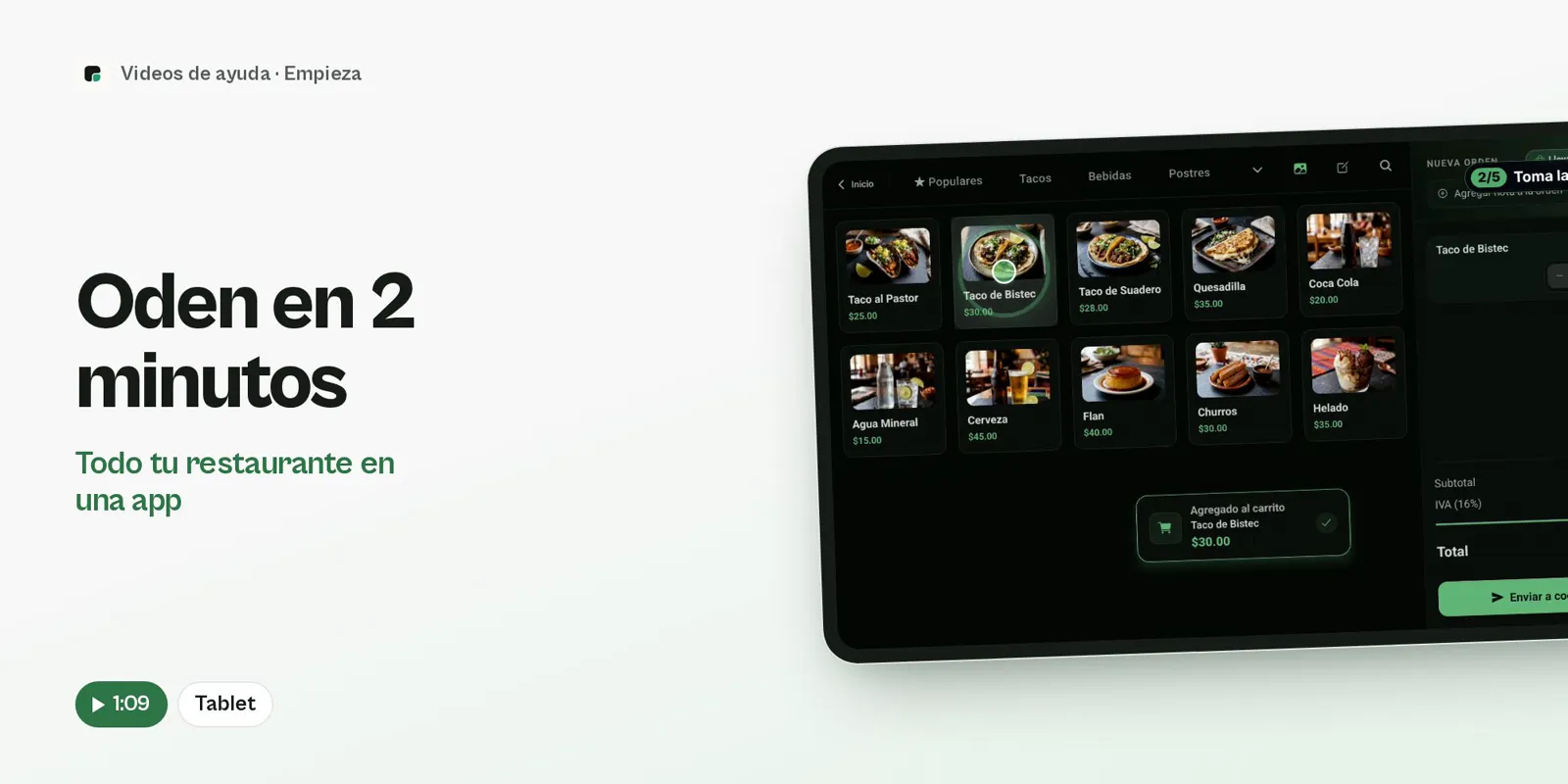
- Open your register
- Take the order
- The ticket reaches the kitchen
- Take payment
- See your sales live
Get started
What you need first to open with Oden.
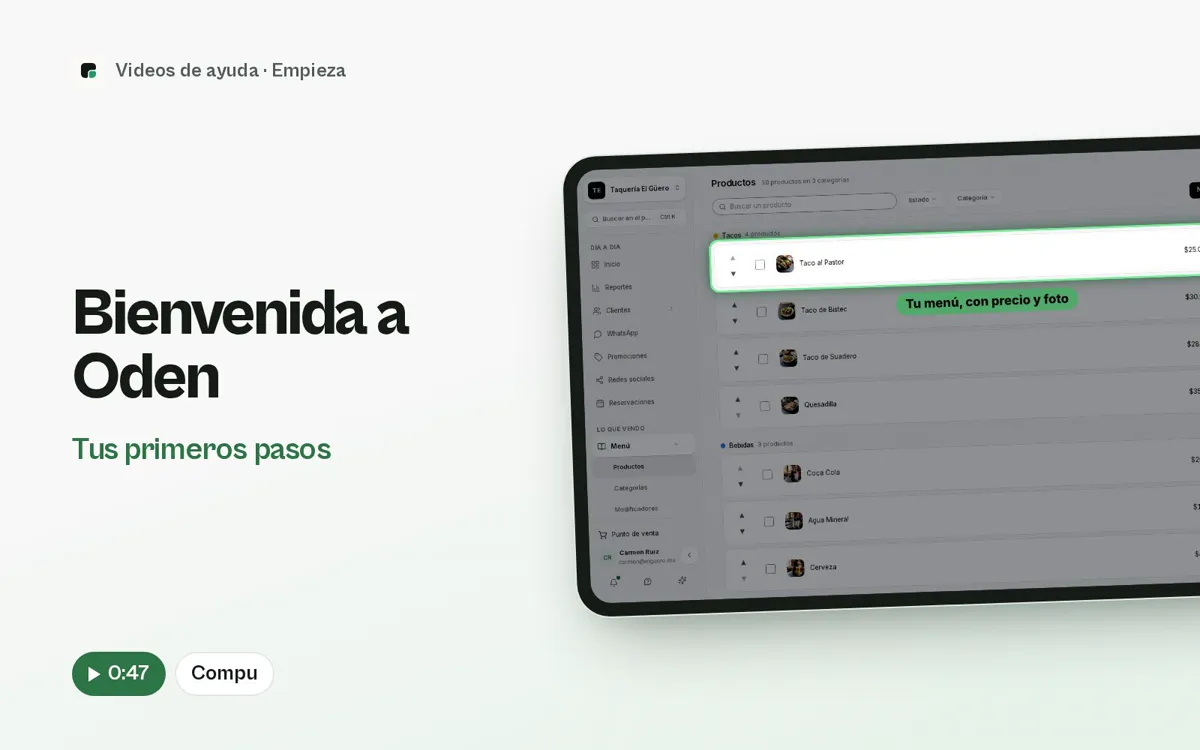
Welcome to Oden
Check your menu, add your team, download the app and make your first sale.
- See your dashboard
- Check your menu
- Add your team
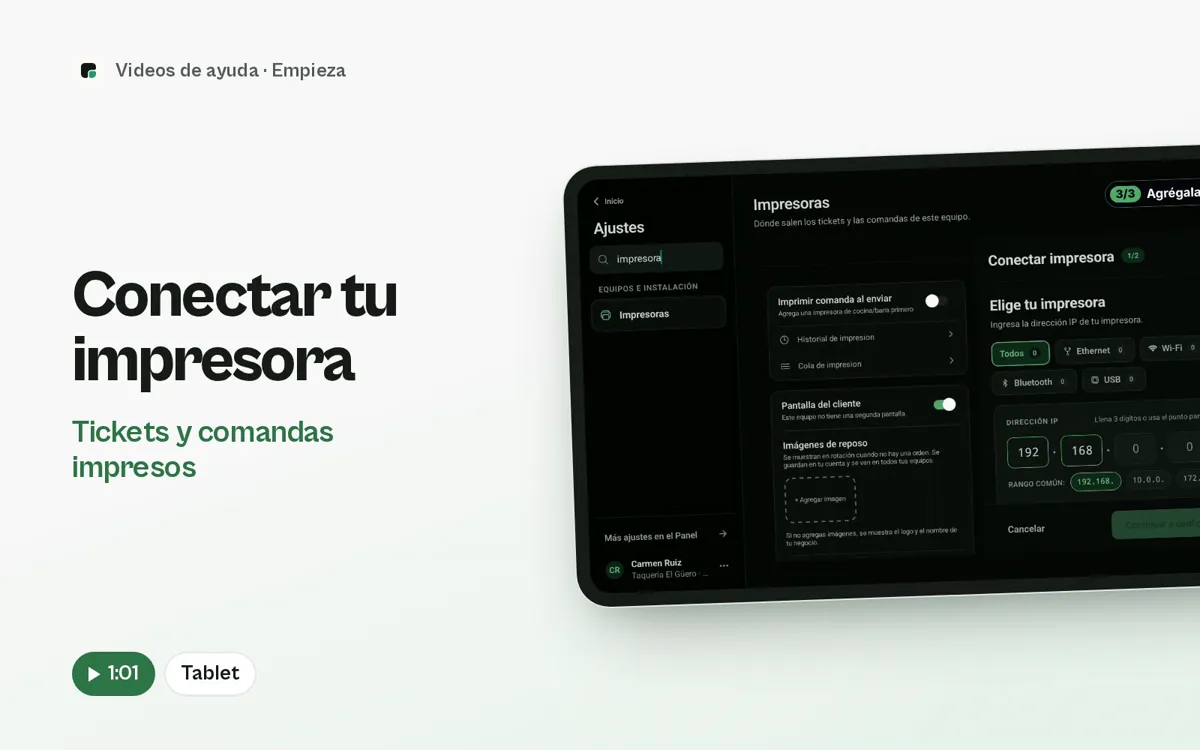
Connect your printer
Find your printer over the network, Bluetooth or USB and print a test page.
- Open Printers
- Allow the tablet
- Let the app find it
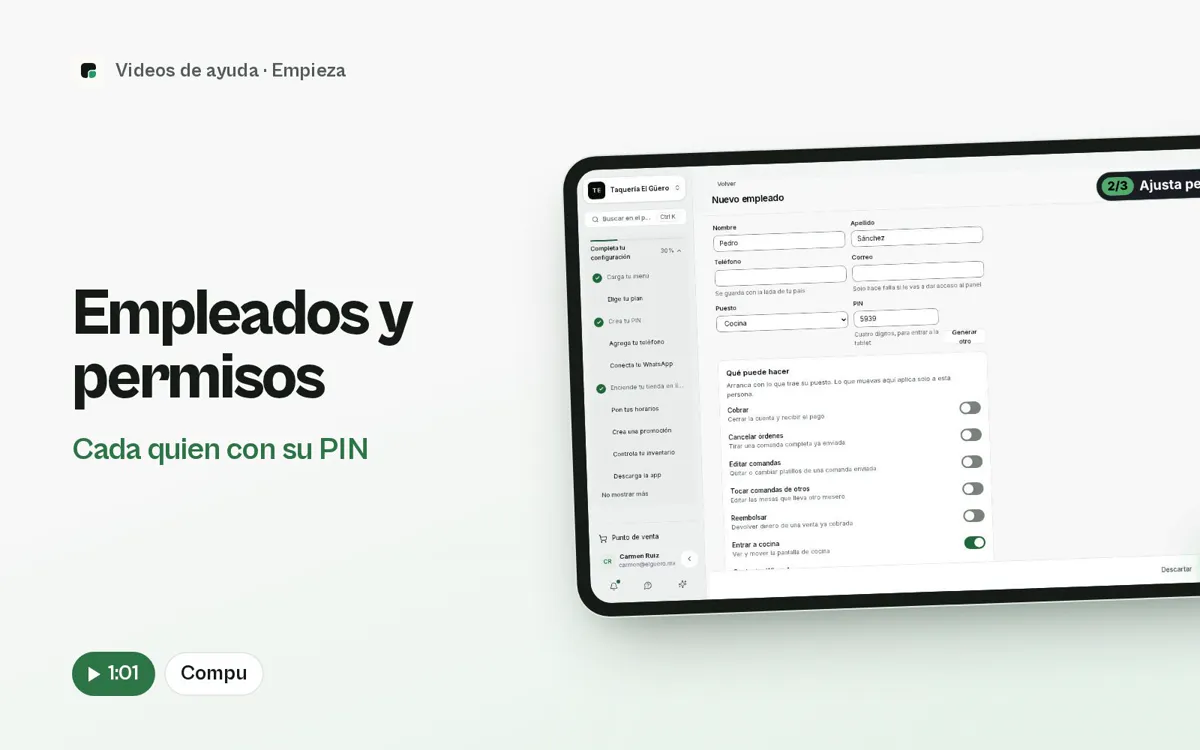
Staff and permissions
Add your team and decide who can take payments, cancel or refund.
- Create the employee
- Pick their role
- Adjust their permissions
Sell
Day to day at the counter, the tables and the kitchen.
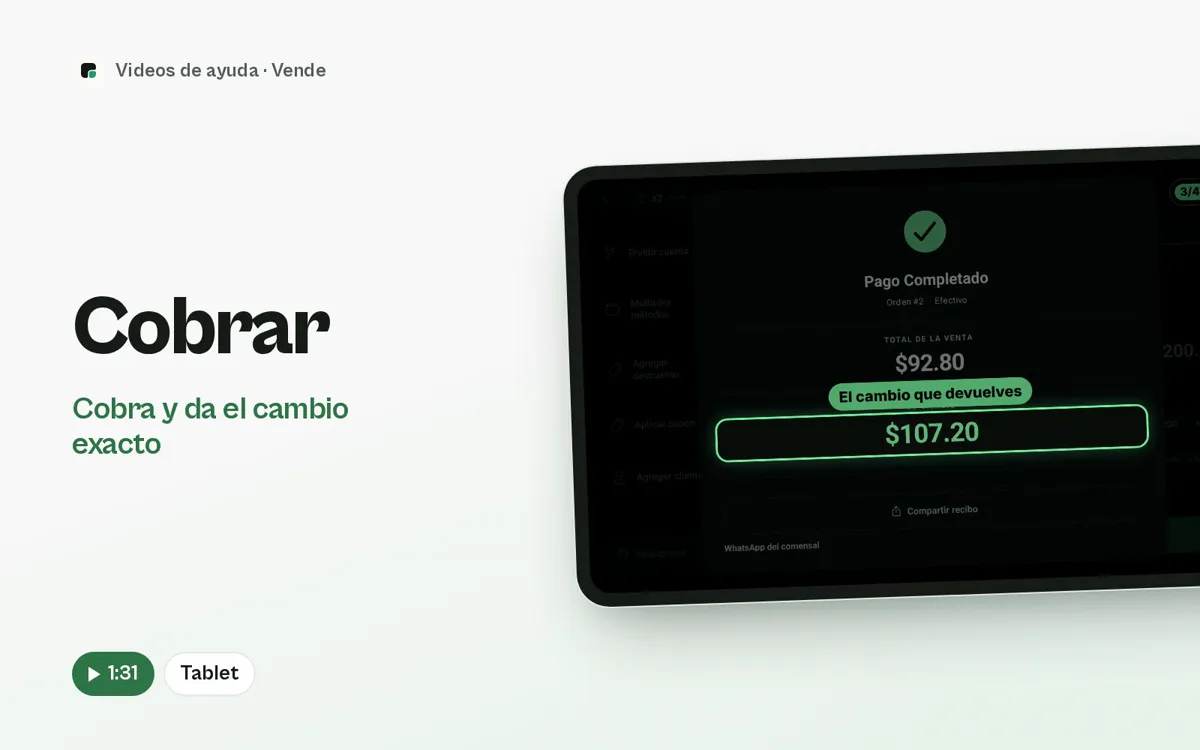
Take payments
From the order to the exact change, and the cash count at the end of the day.
- Open your register
- Start the sale
- Take the order
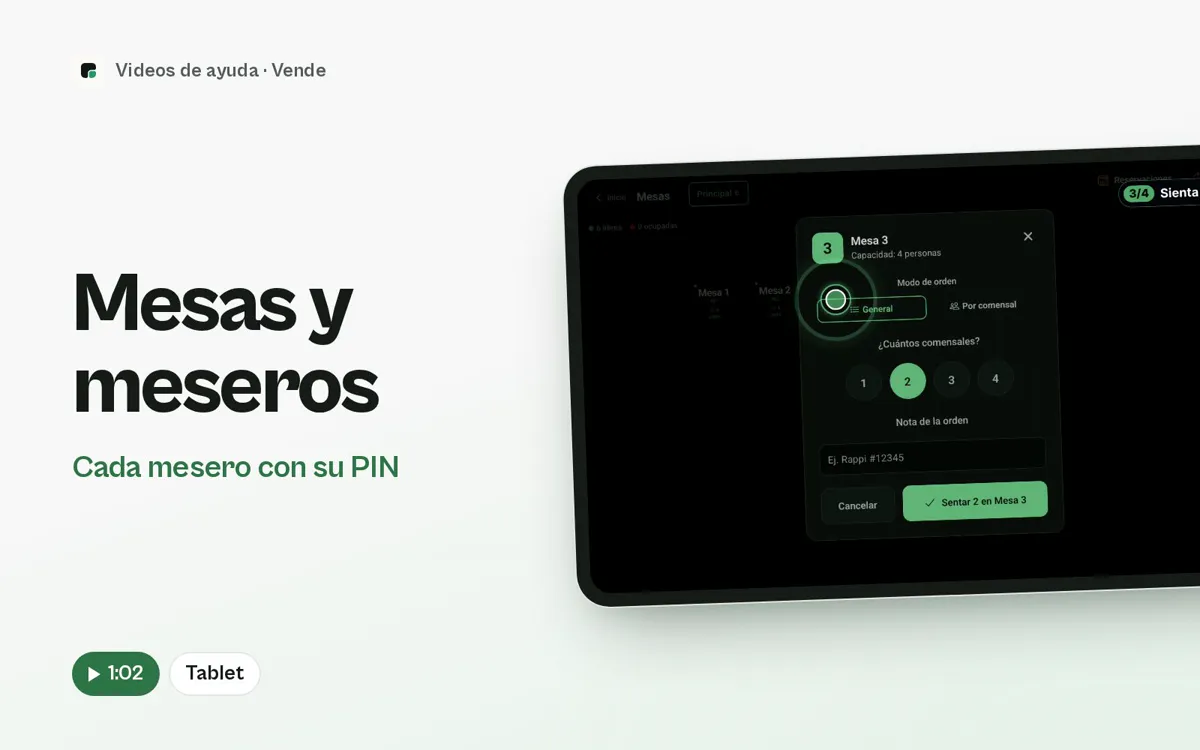
Tables and servers
Shifts with a PIN, seated tables and tickets that show who is serving.
- Lock the screen
- Start the shift with a PIN
- Sign in to take orders
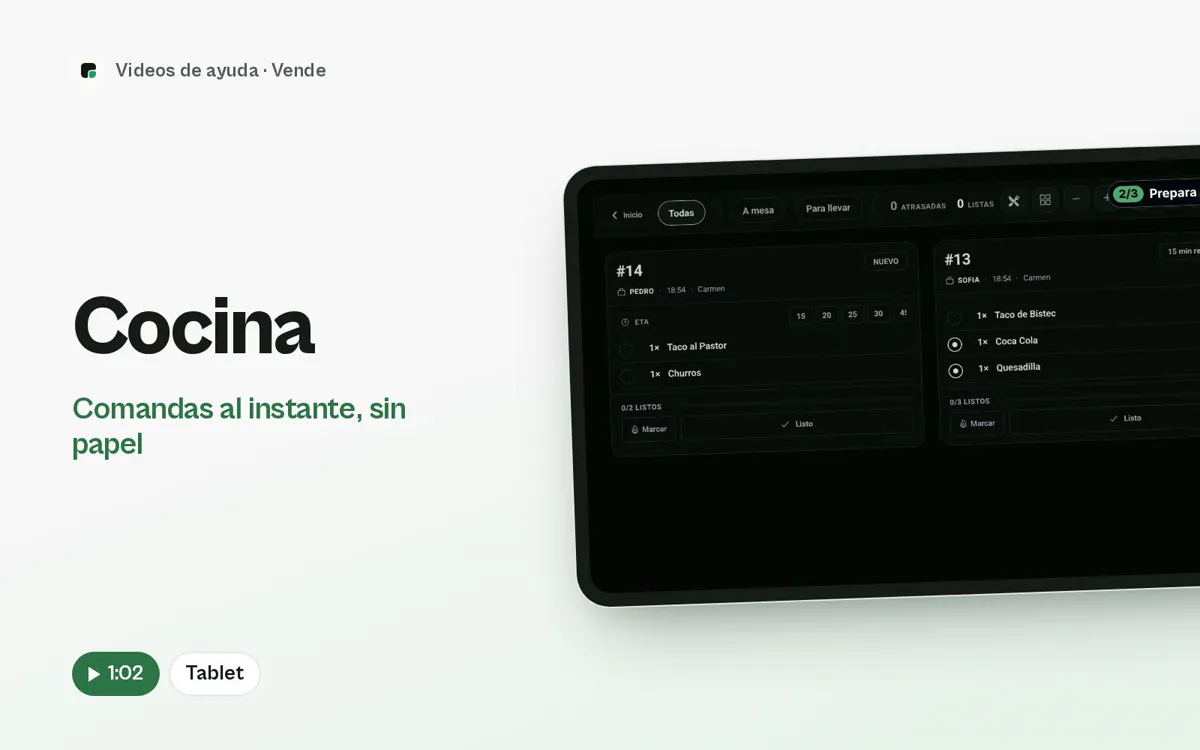
Kitchen
Get every order on screen, say how long it will take and mark it ready.
- Tickets come in
- Say when it will be out
- Mark what you are making

Your online store
Put your menu online and get the orders straight into Oden.
- Your store
- Browse the menu
- Add to the order
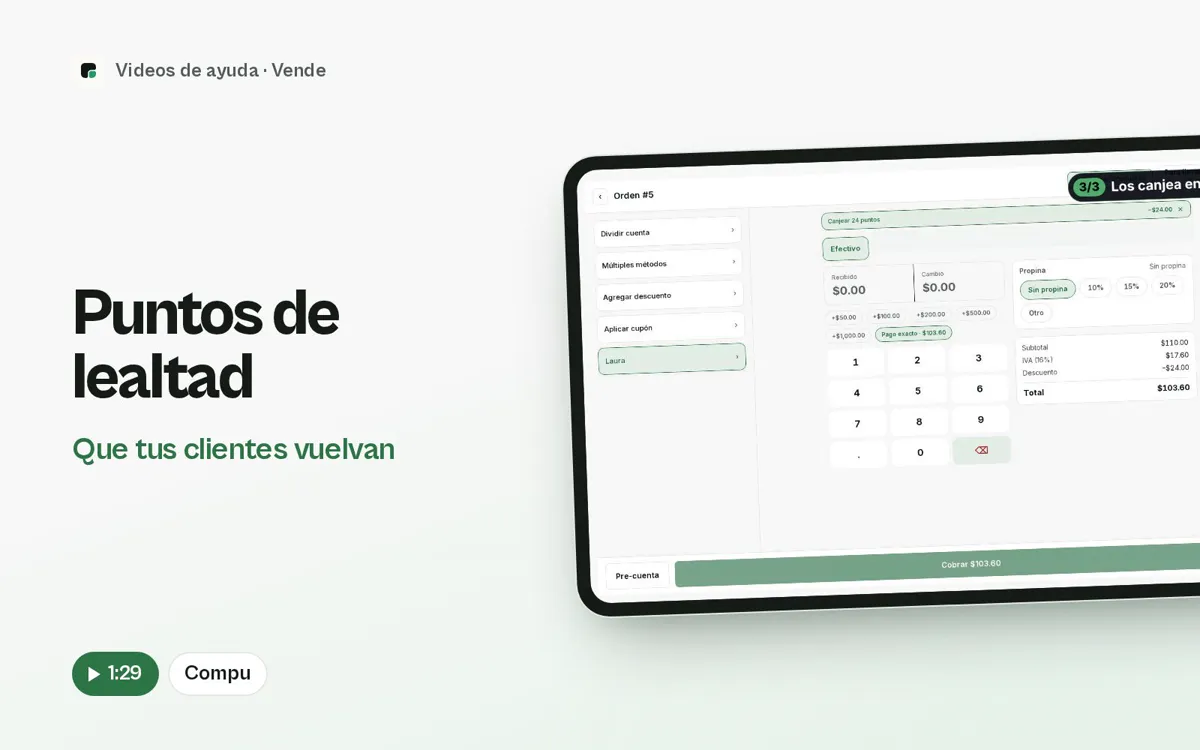
Loyalty points
Turn on your points program, decide how many they earn and what they are worth, and redeem them at checkout.
- Set up your program
- How points are earned and redeemed
- Turn on the ticket QR
Manage
Your cash, your inventory and your team under control.
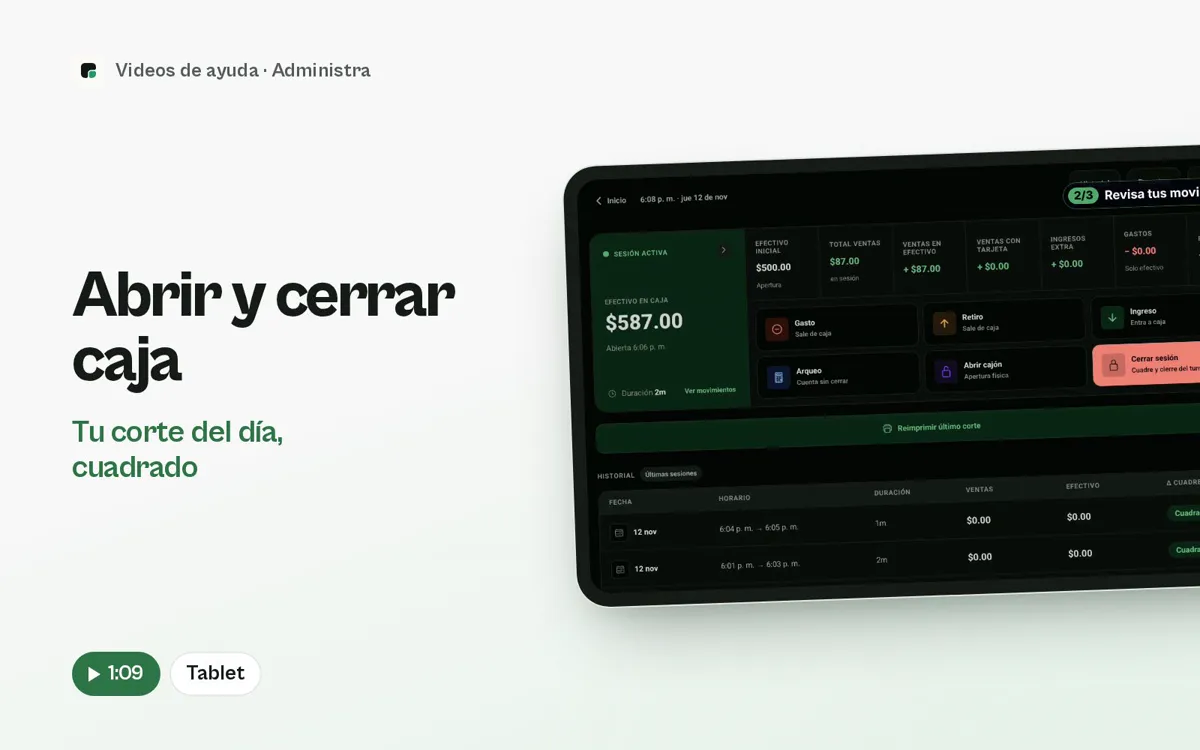
Open and close the register
Count your cash when you open, log expenses and close with the count saved.
- Open the register
- See how you are doing
- Log an expense
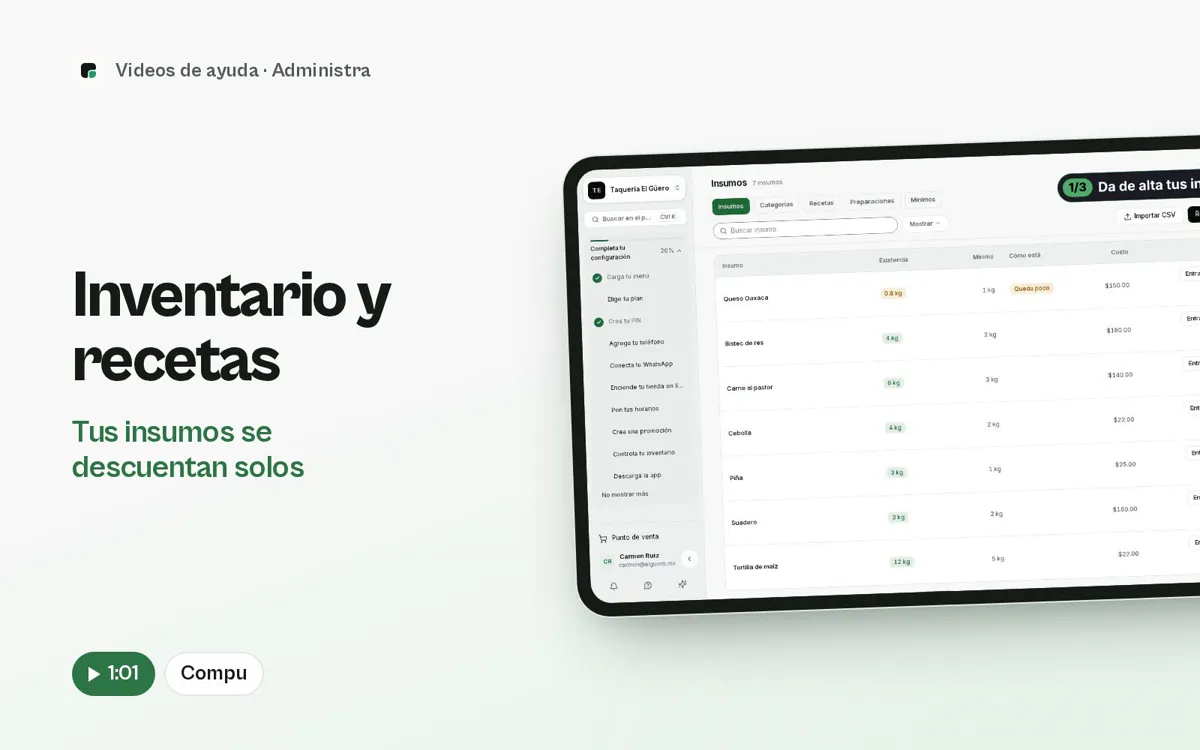
Inventory and recipes
Build recipes from your ingredients and watch stock go down with each sale.
- Add your ingredients
- Import
- See your inventory

Ask the assistant on WhatsApp
Ask for today’s sales or change your menu by texting on WhatsApp.
- Ask for your sales
- Change a price
- Mark something sold out
Can’t find what you need?
Message us and a person on the team will help you.